











GuardNest Release 3.6
Continuous Scanning now tests what's behind your login page, and your APIs
Authenticated web application scanning and API scanning are now part of GuardNest Continuous Scanning.
Most of what matters in a web application sits behind a login. An unauthenticated scan sees none of it. It tests the login page, the public pages and anything else an anonymous visitor can reach, then reports back. A clean result from that scan says very little about the areas an attacker most wants to get into.
APIs have the same problem in a different shape. They often have no pages to crawl, so a conventional web scan walks straight past them, even though an API frequently exposes more data, more directly, than the application built on top of it.
This release closes both gaps.
Authenticated web application scanning
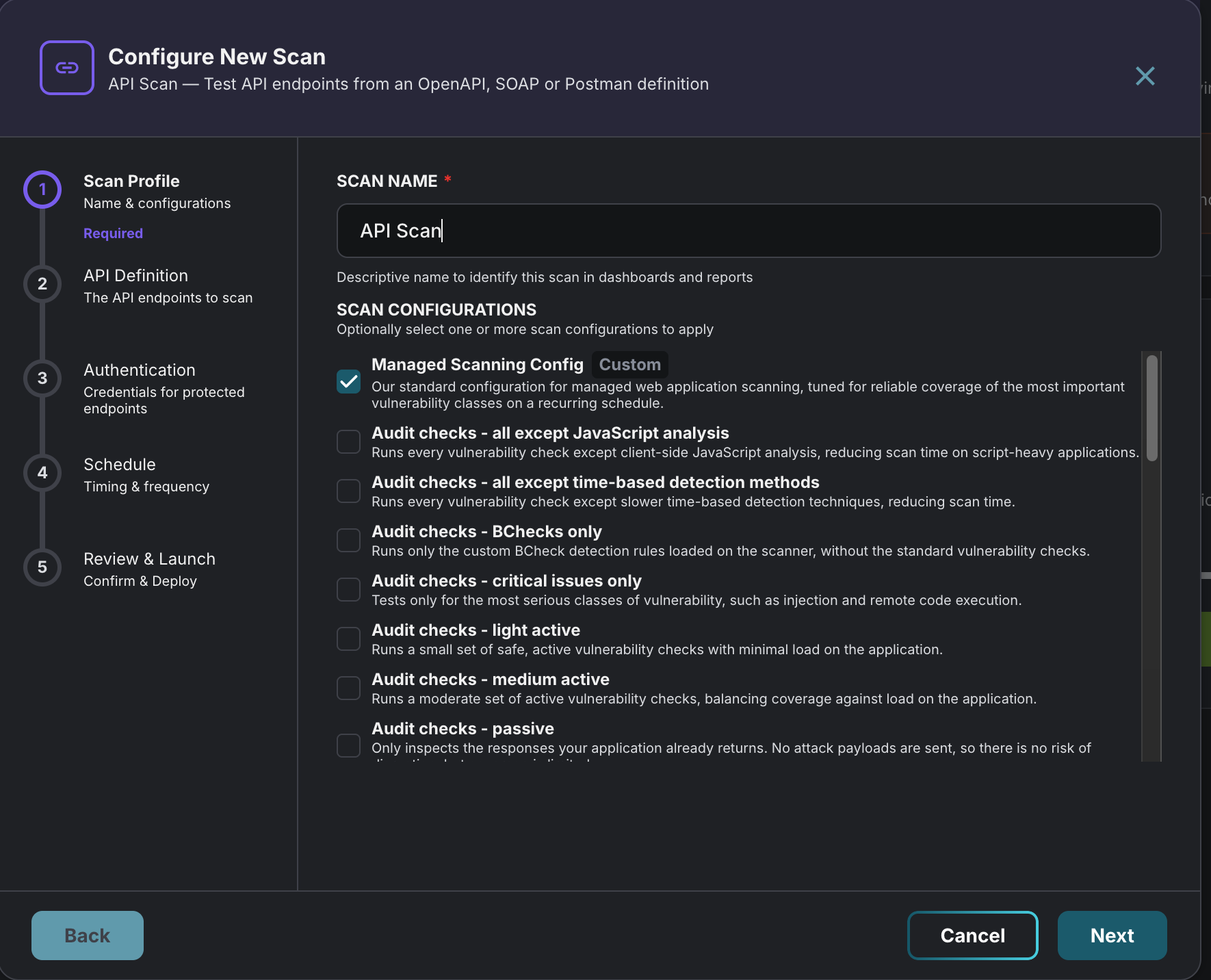
Web application scans can now sign in to your application before testing it, so the scan reaches the pages and features your users see once they're logged in.
Setting up a web application scan now includes one extra question: "Do you want to perform authenticated scanning?" Choose yes, then pick how the scanner should sign in:
• Login credentials. A username and password the scanner types into a conventional login form. You can add more than one set.
• Platform authentication. For sites that authenticate at the HTTP layer rather than through a form, such as a Basic auth prompt or a Windows-authenticated intranet using NTLM. Each entry applies to a specific host.
• Static headers and cookies. Fixed values attached to every request the scan makes. Useful for a session cookie taken from a signed-in browser, or a token header your application or gateway expects.
What it does for you
• Tests the authenticated areas of your application, where account data, admin functions and business logic live.
• Finds issues an anonymous scan never reaches, in the pages and features only signed-in users can see.
• Keeps working on a schedule. Sign-in details are saved with the scan, so every recurring run tests behind the login without anyone re-entering them.
• Shows which scans sign in. An "Authenticated" tag appears next to those scans in your scan lists.
API scanning
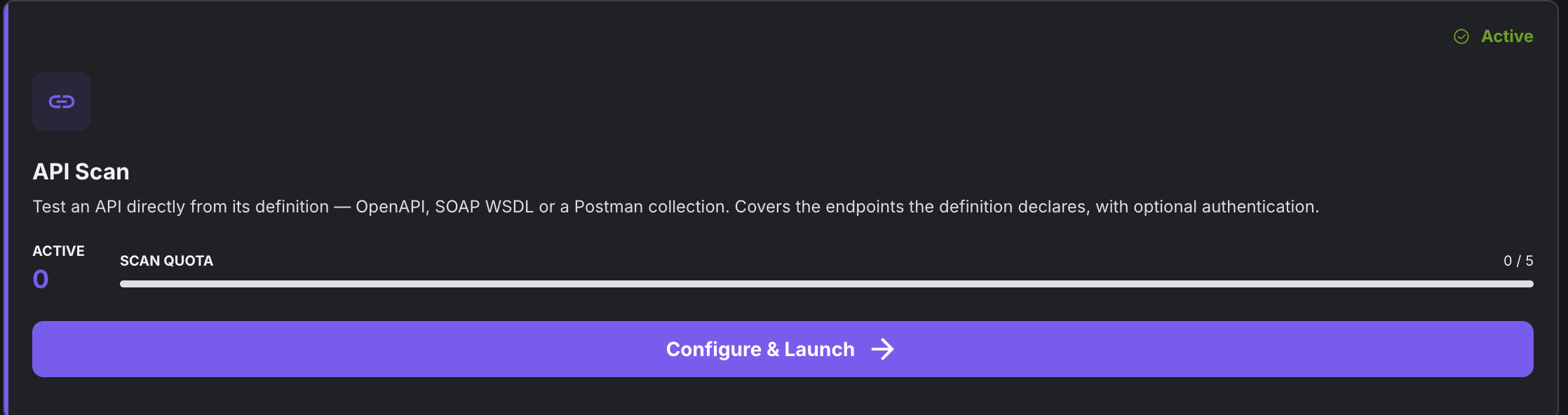
APIs now have their own scan type. Instead of crawling for pages, an API scan tests your API directly from its definition and covers every endpoint the definition declares.
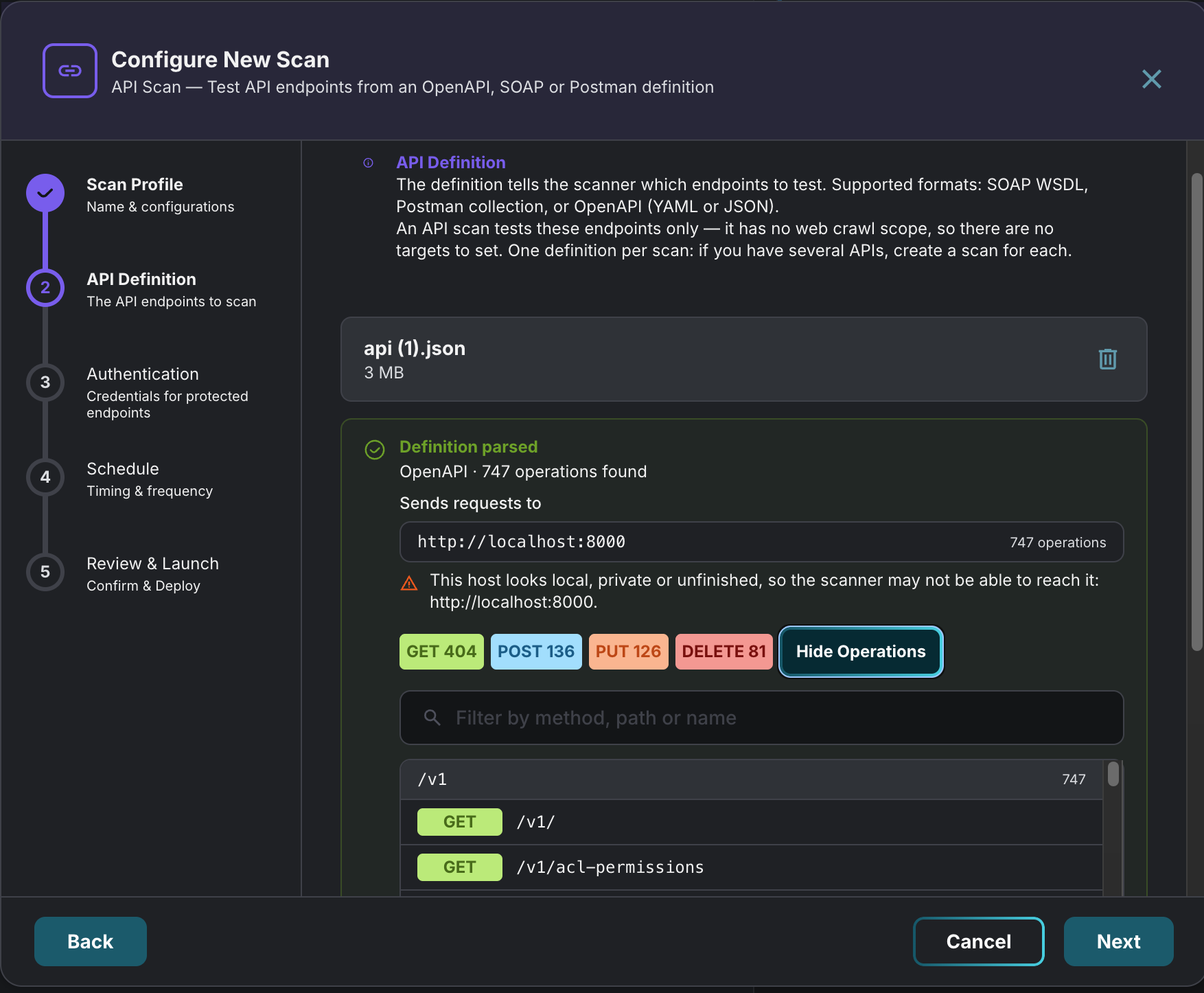
Upload an OpenAPI definition (JSON or YAML), a Postman collection or a SOAP WSDL file. GuardNest checks the file with the scanner straight away and shows how many operations it found.
Authentication for APIs
Most APIs need credentials, so API scans support the common schemes:
• Basic (username and password)
• Bearer token
• API key, sent as a header, query parameter or cookie
• OAuth 2.0 client credentials
For bearer tokens and API keys that expire, the scanner can fetch a fresh token from your authentication service at scan time, and fetch it again on an interval you set.
If your definition declares authentication schemes, GuardNest detects them and flags any that don't have credentials yet, so you know which endpoints would otherwise be tested without signing in.
What it does for you
• Tests API endpoints a web crawl would never find.
• Confirms your definition is usable before you commit, including how many operations it covers.
• Keeps up with your API. When your spec changes, replace the file on the scan. Saved credentials are re-applied automatically and the scan history is kept.
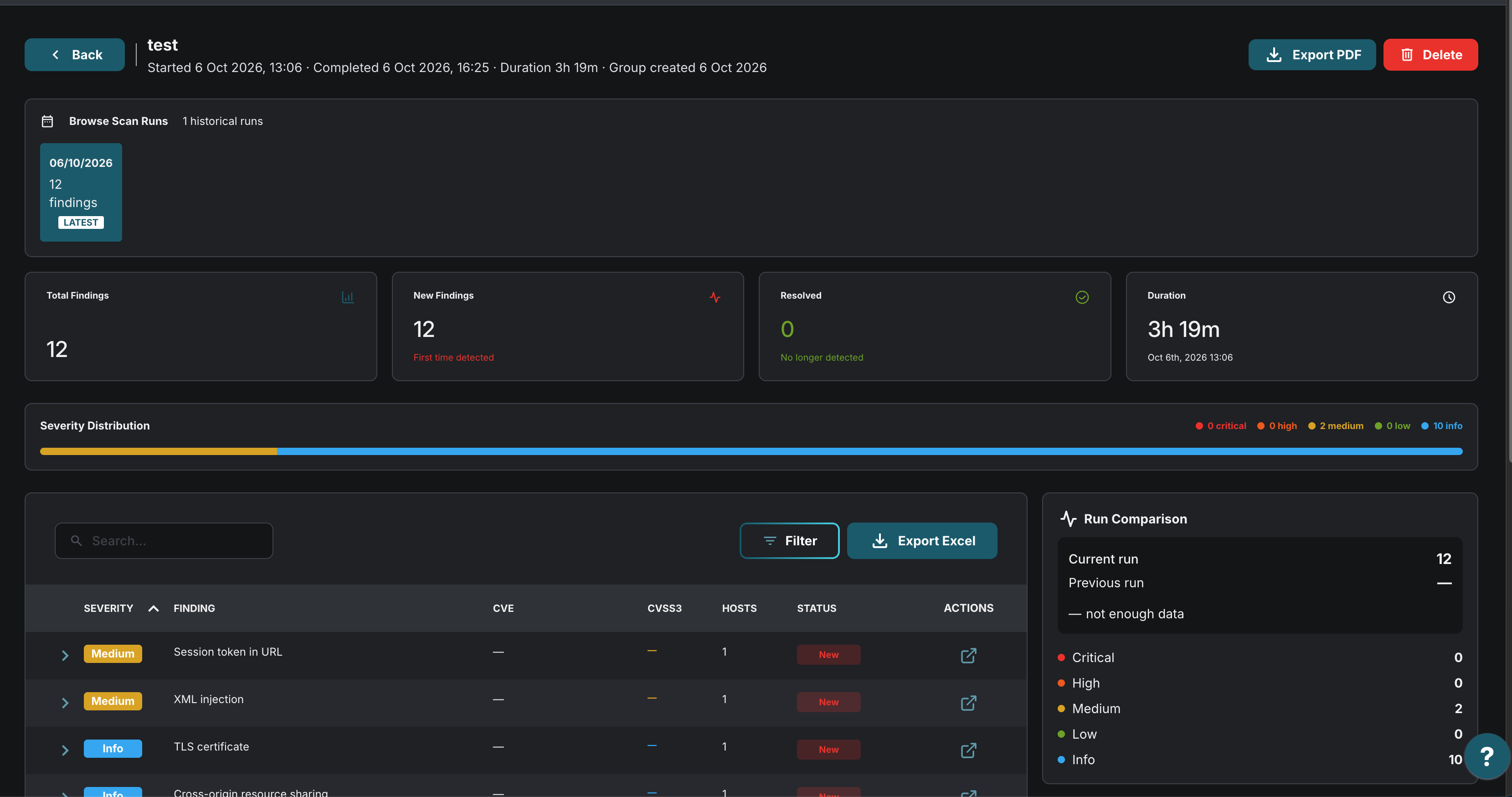
• Puts API findings alongside everything else, in the same Completed Scans and Findings views, with each run recording which definition it tested.
Know what was actually tested
A target that doesn't respond isn't scanned and produces no findings. On a report, that looks exactly like a clean result. This release adds two ways to tell the difference.
Pre-scan check, for web application scans
On the Review & Launch step you can run an optional check that confirms each target responds before the scan starts. Each target shows whether it answered, along with the HTTP status the scanner got back.
The check also spots other hosts your application references. Hosts that appear to belong to your organisation can be added to the scan scope in one click and checked again. Third-party hosts are listed for information but not offered, so you never end up testing infrastructure you don't own.
Scope coverage, for network scans
Completed network scan runs now show how many targets were in scope, how many responded and how many didn't. Click through to see the targets that didn't respond, with the usual reasons: a decommissioned host, a firewall dropping the probes, or a hostname that no longer resolves.
Availability
| Essentials | Core | Advanced |
Authenticated web application scanning | Not included | Included | Included |
Pre-scan check | Not included | Included | Included |
API scanning | Not included | 1 API scans | 2 API scans |
Scope coverage on network scans | Included | Included | Included |
Want to find out more?
This release is one part of our continued investment in GuardNest. We keep adding capabilities, refining existing workflows and acting on customer feedback, so each update helps your team spend less time on tooling and more time reducing risk.
If you already use GuardNest, try the new scanning options on your next scan and see what they uncover. If you don’t, get in touch for a demo.